Send email to a client
There will be times when you need to send a message to a client. taxy has a built-in messaging system.
On the Clients dashboard, next to each client record there is a small “kebab” menu.
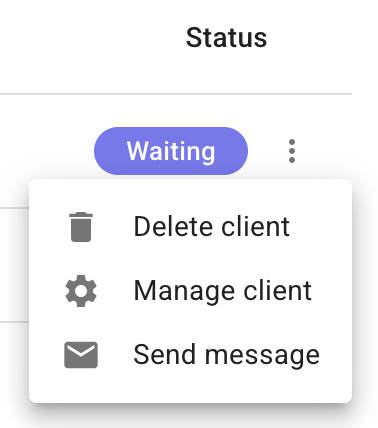
Select “Send message” from the menu. A popup window will open.
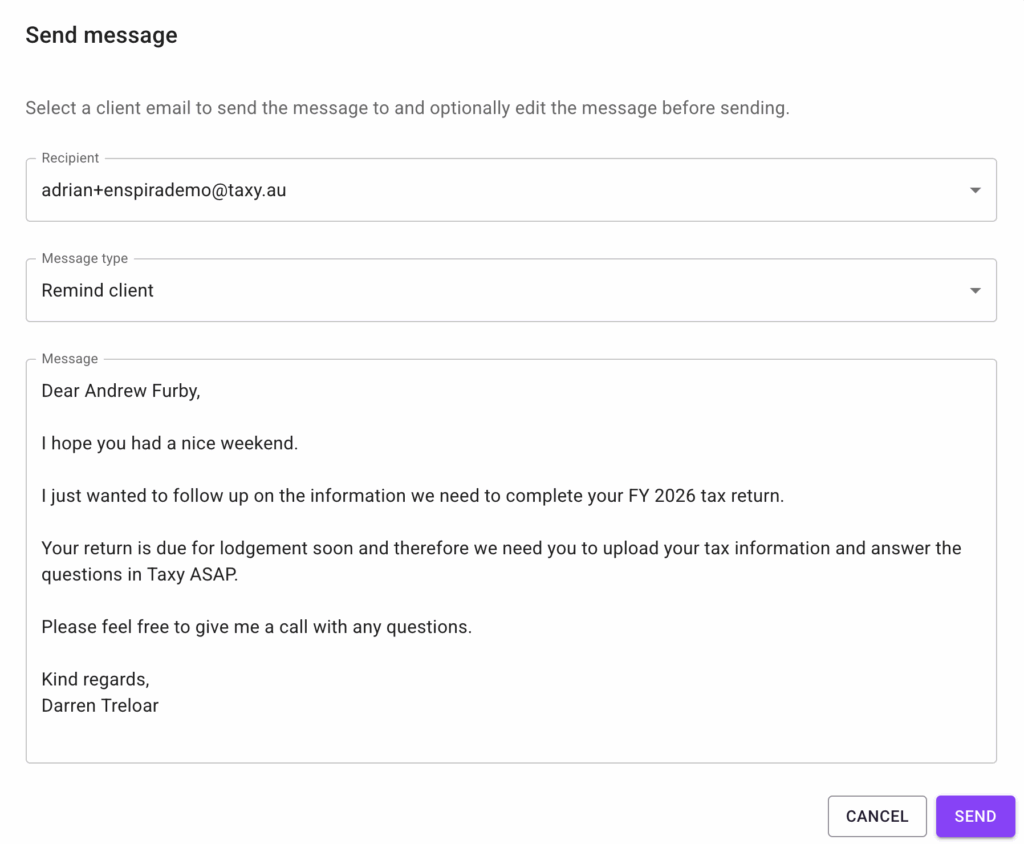
If a Client has more than one client user, you can choose which user to send the message to from the Recipient dropdown.
There are three message types to choose from – Remind client, Comment notification, and New financial year. Each message type has pre-written body text that populates in the message body when selected. The text is editable so you can change it however you like.
Once you are ready to send the message, click the “Send” button. The email will be immediately sent to the client, as well as cc’d to your inbox.
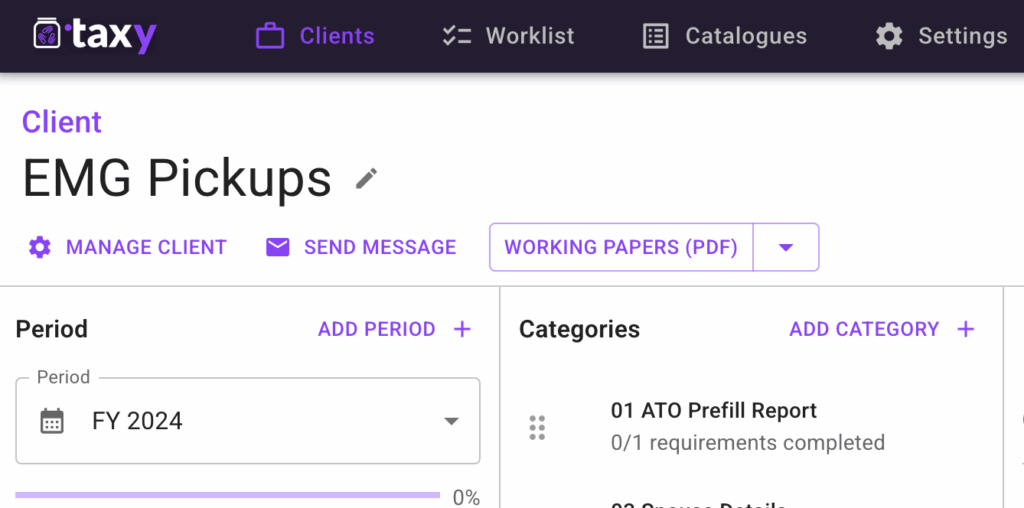
You can also send a message to a client directly from that Client’s page. Click the “Send Message” button to open the popup.