
Invite a Client user
A Client can have one or more users. For example the Client has two individual entities, and so each individual needs their own access.
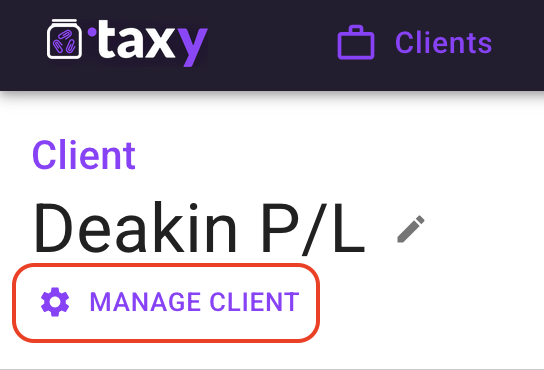
To add a client user, first open the Manage Client page for that Client.
On the Manage Client page, click the “ADD USER” button.

Complete the fields on the “Add or invite user” popup. By default the invite is not sent immediately unless you check the “Send invite email” checkbox. This option is there in case you still need to do some more setup for the client, or you want to send multiple invites at once.
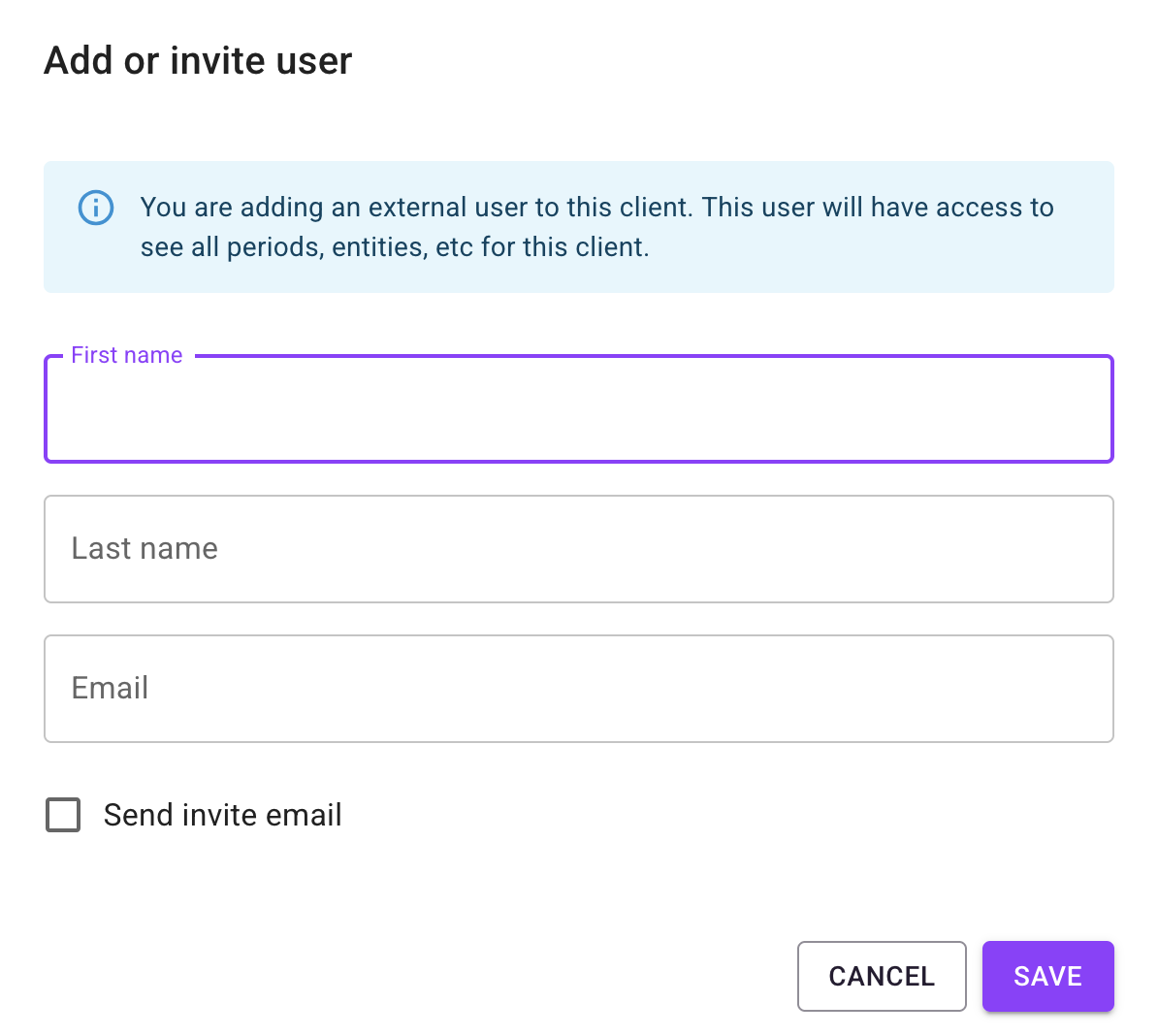
Clicking “Save” will close the popup and display the new user on the Manage Client page.
If the invite was sent the date the invite will expire is displayed, as well as the status of the invite.

The invitation will be sent to the new user, explaining how to confirm their user account and login to taxy. A copy of the email will be cc’d to the Accountant.