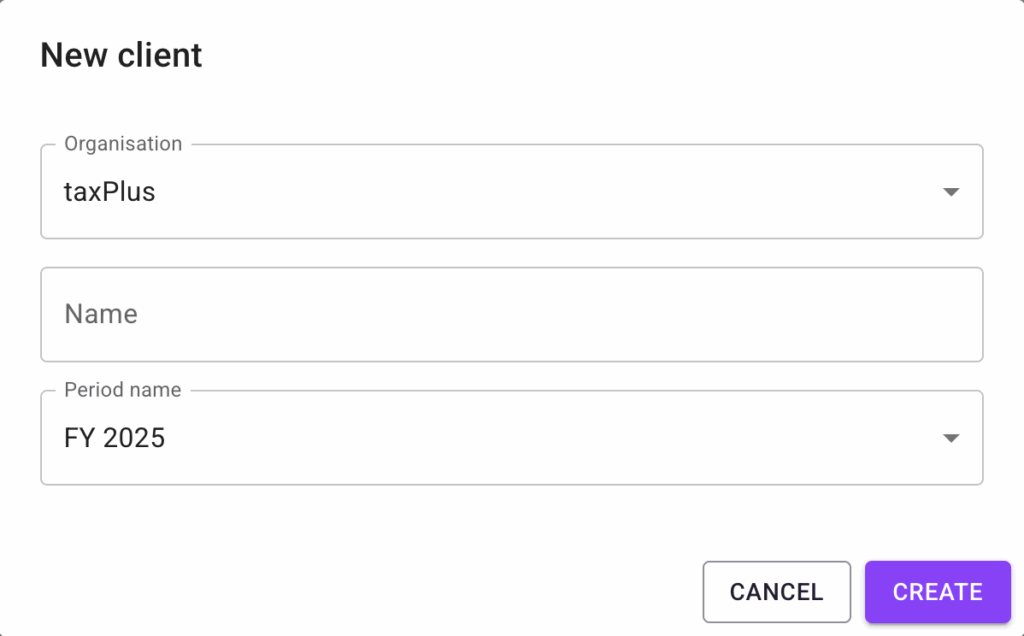
From the Clients dashboard page, click the “NEW CLIENT” button. This will open a popup.
Add the Client name, and choose the Financial Period for which the Client will be submitting a tax return. Click “Create” and the new Client will be added to the Clients dashboard.